Behind the Scene

How I Find Details
I call it "field survey"—using software with intention, staying alert to the moments where something feels unusually considered.
When I notice one, I screen-record it immediately. No analysis, no writing. Just capture. It goes into a folder and waits.
Beyond my own observation, details come from two other sources: Twitter bookmarks and community submissions. But the origin doesn't matter. What matters is what happens next.
How I Evaluate
The bar is simple: was this detail a choice?
Someone had to decide to do this. It wasn't the default. It wasn't generated. It cost time, and that time made the experience better.
If removing it breaks the product, it's not a detail—it's a requirement. Details live in the space between "good enough" and "right."
I also filter for craft that teaches something. A beautiful animation is nice. A beautiful animation that reveals a principle—timing, feedback, spatial consistency—belongs on Detail.
How I Present
Each detail gets a short Editor's Note explaining why it works, not just what it is. The goal is to train your eye, not just show you pretty things.
For the Resource vault, I only pick evergreen content—things worth returning to years from now. To resist the urge to "save for later and never come back," the vault shuffles randomly. If something catches you, bookmark it right then.
Tools
A few things that make this process faster:
- Mono Card for polishing screenshots and video.
- Raycast with a custom extension I built to upload media to R2.
- Motion for all animation on the site.
Design Decisions
Some choices worth noting:
 Detail. I removed it. If your current theme is uncomfortable, you'll change it at the system level—not hunt for a toggle on a single site. Removing it was itself a detail.
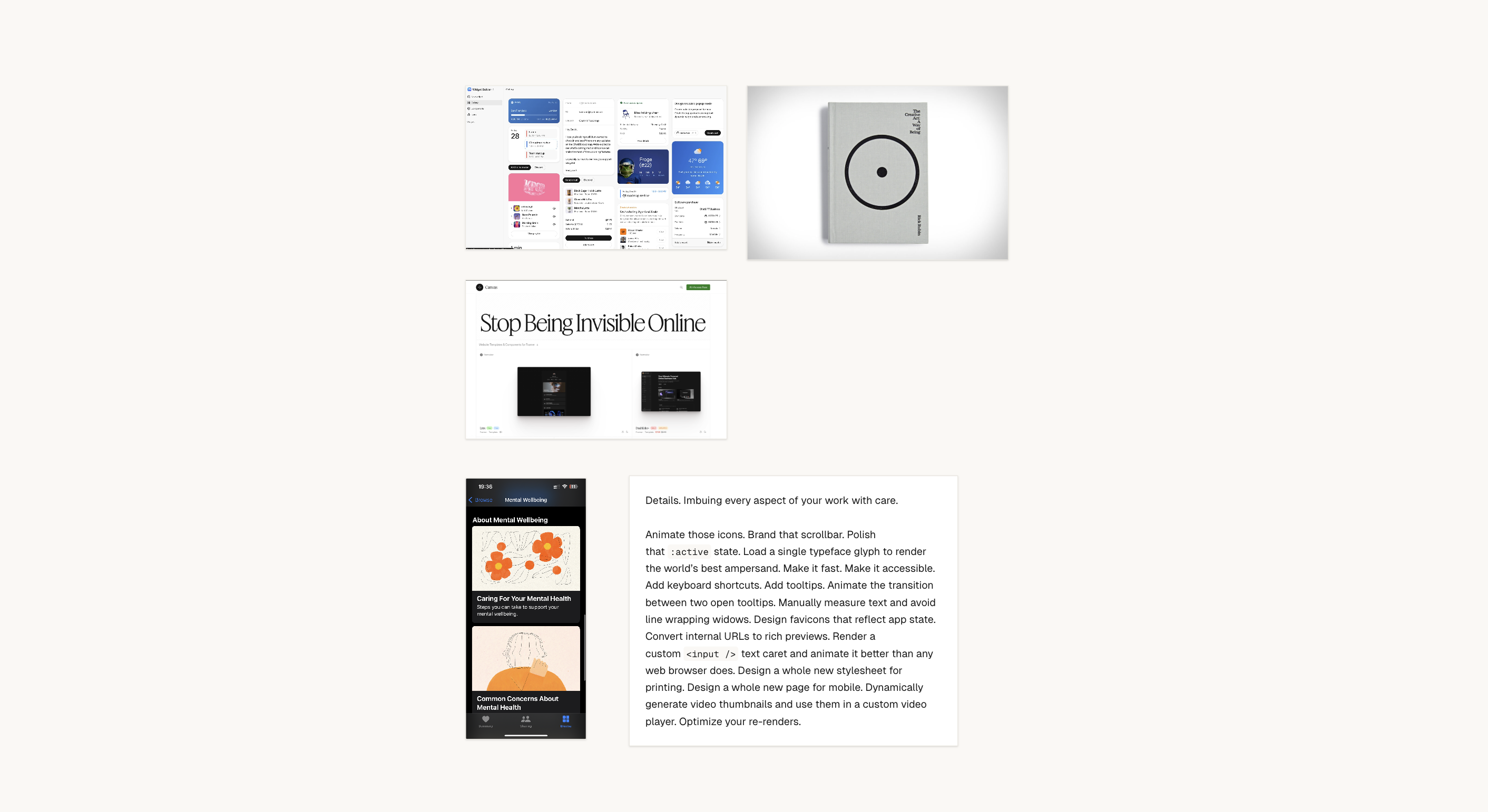
The cover art is inspired by aviation instrumentation. Some of the mood and references I collected live here: