
Details Matter
Learn to build the details that make your work stand out in AI era and develop your taste.
Enrollment opens in Spring 2026
Foundation

Introduction
Understanding the psychology and principles behind delightful user interactions

Good vs Great
Analyzing the components and anatomy of effective micro-interactions

Build with AI
Essential concepts of timing, easing, and motion design for interfaces
Principles

Affordance
Understanding and designing affordances that guide user interactions

Feedback Loop
Creating responsive feedback loops that acknowledge user actions

Spatial awareness
Using spatial relationships and positioning to enhance user understanding
Types

Animation
Understanding animation types and their role in micro-interactions
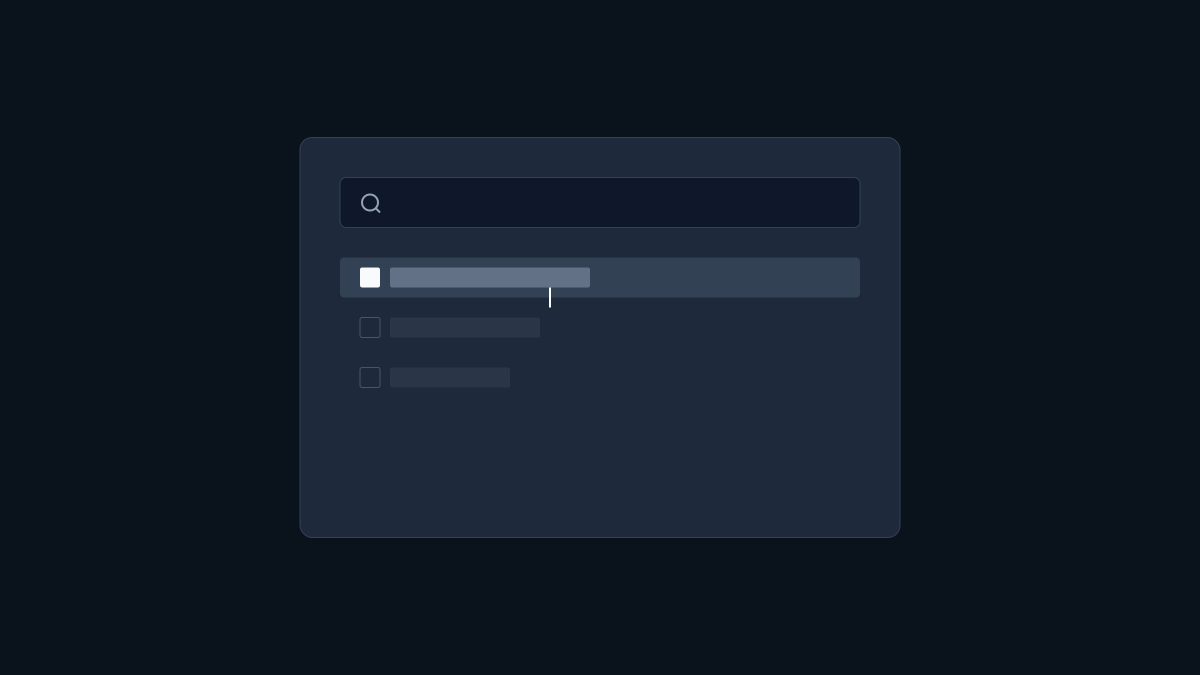
Command menu
Exploring command palette patterns and keyboard-driven interfaces

Loading
Creating effective loading states and skeleton screens
Attributes

Feel
Building intuitive drag and drop interactions with proper visual feedback

Smooth
Creating smooth and fluid transitions and animations

Swipe gestures
Implementing responsive swipe gestures for mobile and touch interfaces
Philosphy

Taste
Developing taste and intuition for exceptional interaction design
Taste
Developing taste and intuition for exceptional interaction design
One more thing
Developing taste and intuition for exceptional interaction design
Extra
Behind the scene
Exploring the thought process and decisions behind great micro-interactions
Codes and components
Exploring the thought process and decisions behind great micro-interactions
Skills and rules
Exploring the thought process and decisions behind great micro-interactions